All your streams on one page
A mosaic of every stream's picture, coloured by its state, so a problem stands out from across the room.

Every stream on your network watched around the clock, with an alert the moment one stops, breaks, goes black, freezes or goes silent.

A channel that goes black at three in the morning is usually found by a viewer, hours later. Operators and IPTV providers need to know first, and to know whether the fault was theirs.
Pick them from what already reaches the box, or type an address. A stream can be UDP or RTP, unicast or multicast, SRT, RIST, HLS or HTTP-TS.
Transport, picture and sound are checked on every stream, all day and all night.
By e-mail, Slack, Microsoft Teams, a webhook, syslog or SNMP, and again when the problem is over.
A mosaic of every stream's picture, coloured by its state, so a problem stands out from across the room.
Transport checks against ETSI TR 101 290, the measure broadcast engineers already use.
A stream that is technically fine but black, frozen or silent is reported as well, because that is what a viewer sees.
When each stream had problems and how long they lasted, to answer what happened overnight.
One licence tier, with picture checks on every stream, licensed by the number of streams you monitor.
On a box we supply, or on your own server or virtual machine, with admin and view-only logins.
| Where | Unit | What it does |
|---|---|---|
| Monitoring | TS Monitor | On a box we supply, or a VM for transport checks only |
It watches every stream around the clock and alerts you the moment one stops, breaks, goes black, freezes or goes silent, so a fault is fixed before a viewer calls.
E-mail, Slack, Microsoft Teams, a webhook, syslog or SNMP, when a problem starts and when it ends.
Yes. Transport is checked against ETSI TR 101 290.
Yes. It runs on a box we supply, or on your own server or virtual machine.
By the number of monitored streams, with a perpetual licence. An optional annual SLA covers support and updates. Prices are on request.
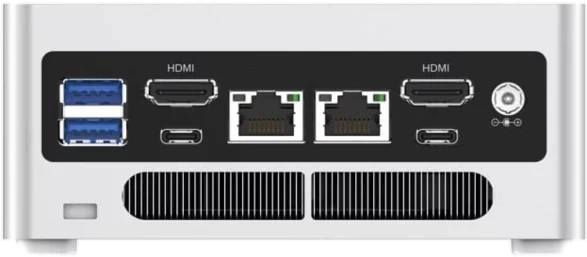
Every live feed from every production site, on a TV in every office.
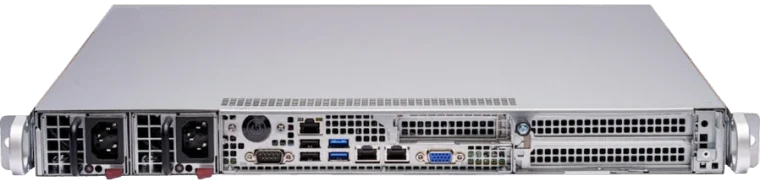
Your channels on phones, browsers and streaming platforms, with an adaptive ladder for every screen.
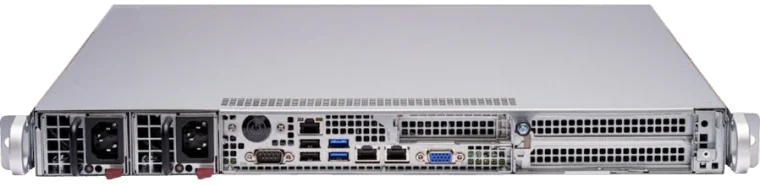
TV channels on every screen in a hotel, office, stadium or hospital, from one central system.
A trial on our box with your streams first, then the monitor on your own network.
What we've built, once a month, two minutes to read. From the two of us, no tracking, leave any time.