The production's own feed
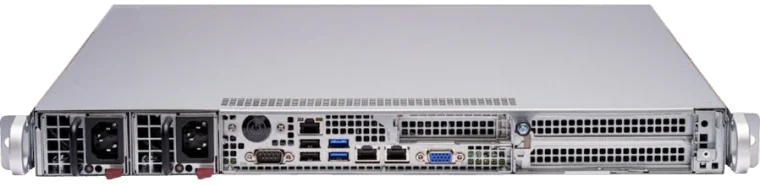
Cameras and the programme come straight from SDI, sixteen in one rack unit, so the concourse sees the same match as the broadcast.

The match feed and the TV channels you choose, on every screen in the stadium: concourses, bars, hospitality boxes, the press area and the control room.
A fan in the queue for a drink should not miss the goal. Most grounds already have screens and a network everywhere, but getting the production's own feed, the other matches and the sponsor loop onto each screen is usually a separate system for each.
The production's SDI feeds, TV receivers and your own content, such as the sponsor loop, go into our encoders.
The IPTV Server keeps every channel in one list, with names, groups and logos. Change it once and every screen has it.
Set-top boxes behind the screens show one channel full screen or four at once. Staff change channels with a remote and an on-screen menu.
The same channels play in a web browser, for staff, stewards and the press.
Cameras and the programme come straight from SDI, sixteen in one rack unit, so the concourse sees the same match as the broadcast.
The press area, the control room and the bars can see four channels on one screen, and one box drives two screens.
If you want it, hospitality boxes, staff areas and public screens each see their own channels, with the sponsor loop only where it belongs.
A channel added centrally appears on every screen in the ground. On a match day nobody walks from screen to screen.
A box comes up showing its channels on power-up, with no one logging in, and comes back by itself after a power cut.
Each channel goes out once over the network, however many screens show it, so a full ground does not load the network more than an empty one.
| Where | Unit | What it does |
|---|---|---|
| Match feeds in | SDI Encoder | Sixteen SDI inputs in one rack unit |
| Other sources in | HDMI Encoder | Receivers and media players, eight inputs per unit |
| The centre | IPTV Server | One channel list for the ground, 100+ channels |
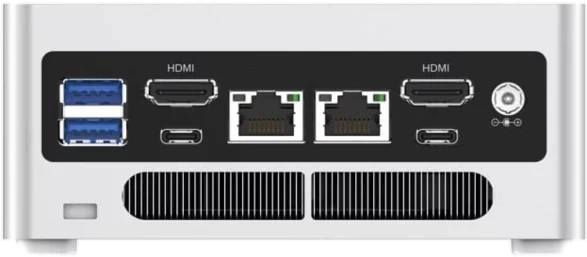
| Behind the screens | IPTV Set-Top Box | Two screens per box, up to eight channels |
It puts the match feed, TV channels and your own content on every screen in the ground over the stadium's network, from one central channel list, instead of a separate system or receiver for each screen.
Yes. The production's SDI feeds go into our SDI Encoder and become channels in the list, next to the TV channels.
Yes. Each screen can show one channel full screen or four at once, and one set-top box drives two screens.
Yes. Hospitality, staff areas and public screens can each see only the channels meant for them.
Software licences are perpetual: you buy once and own them. An optional annual SLA covers support and updates. Prices are on request.
TV channels on every screen in a hotel, office, stadium or hospital, from one central system.
Four channels on one screen, eight from one small box.
Cameras home over the internet, in step in the gallery, with the programme and talkback back to the crew.
Remote access to a running system first, then a pilot on a few of your screens on a match day, with a written report you keep either way.
What we've built, once a month, two minutes to read. From the two of us, no tracking, leave any time.